Resistance Diary
A training tracker built for progressive overload. No backend, no accounts, no tracking — just a training log that stays out of your way.
Year
2025
Role
UX/UI Design, Front-End Development
Technologies
Project Gallery
The Problem
Most fitness apps try to be everything at once — social network, meal planner, step counter, meditation guide. For someone who just wants to show up at the gym, log their sets, and see if they're getting stronger, the experience is buried under noise. I wanted something focused. A tool that does one thing well: track resistance training with progressive overload at its core.
Design Direction
Dark Glass Morphism
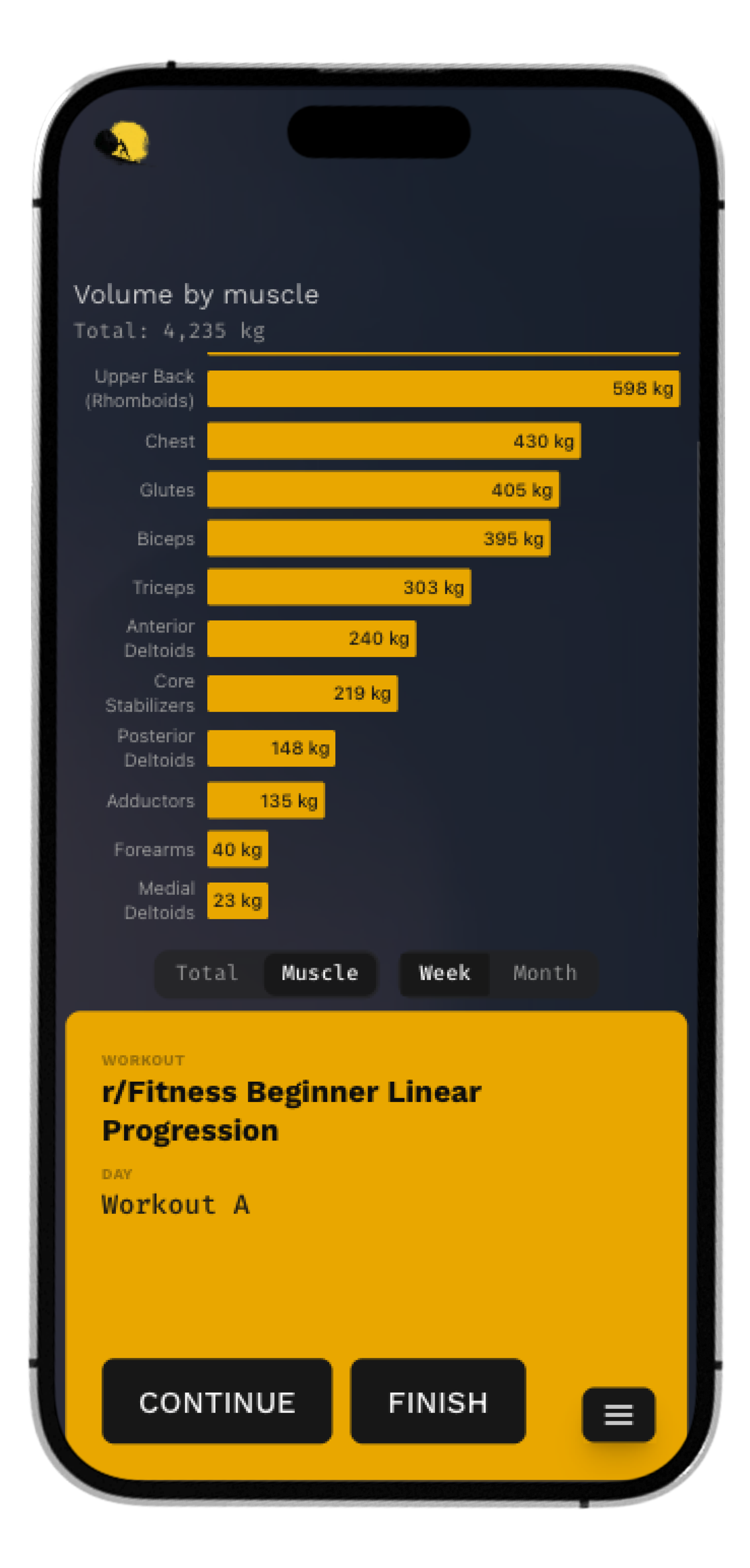
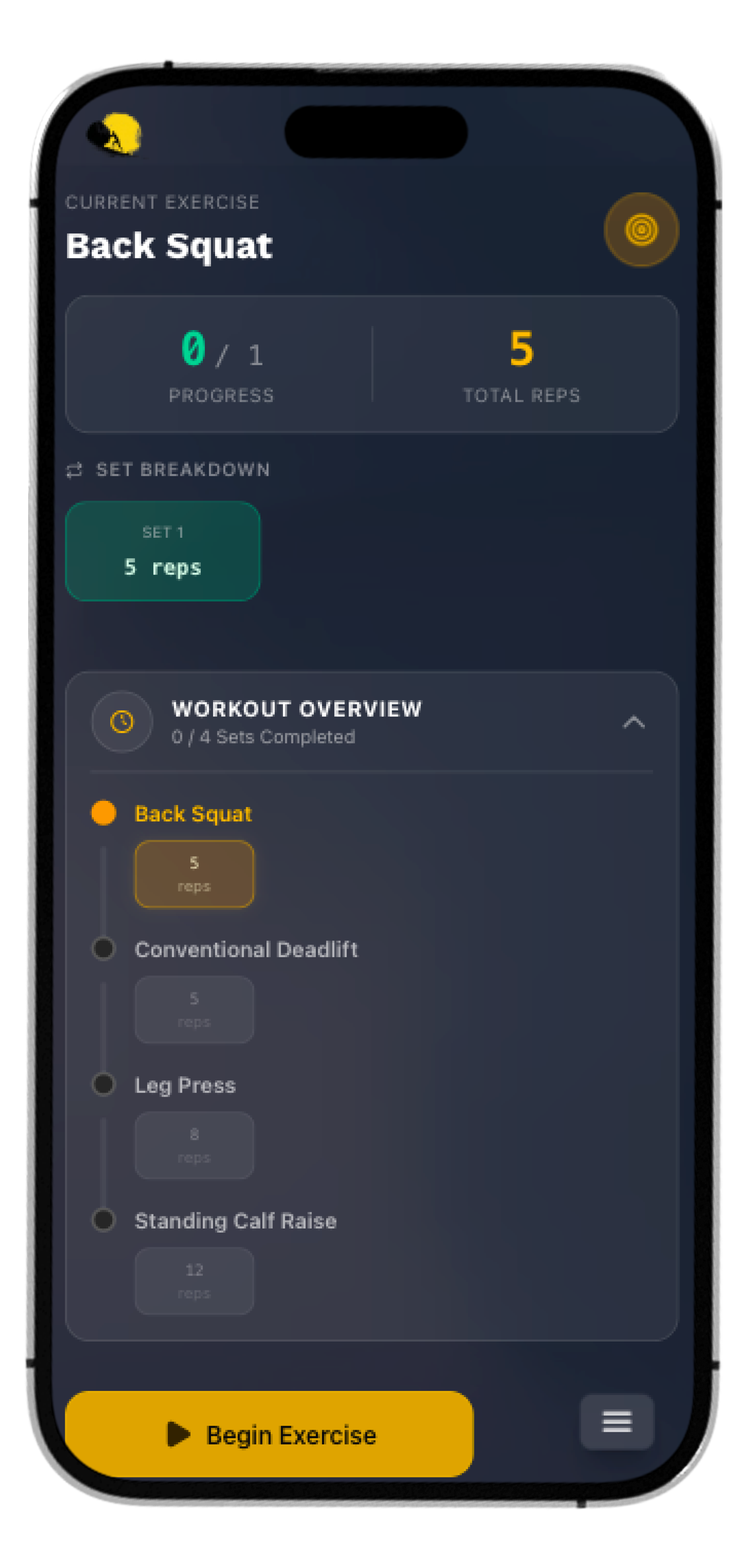
The app lives in a dark-themed environment with frosted glass surfaces. Training happens in gyms — bright, airy interfaces feel out of place. The glass cards with subtle backdrop-blur and translucent borders create depth without adding visual clutter. The dark background recedes; the content floats.
Typography Pairing
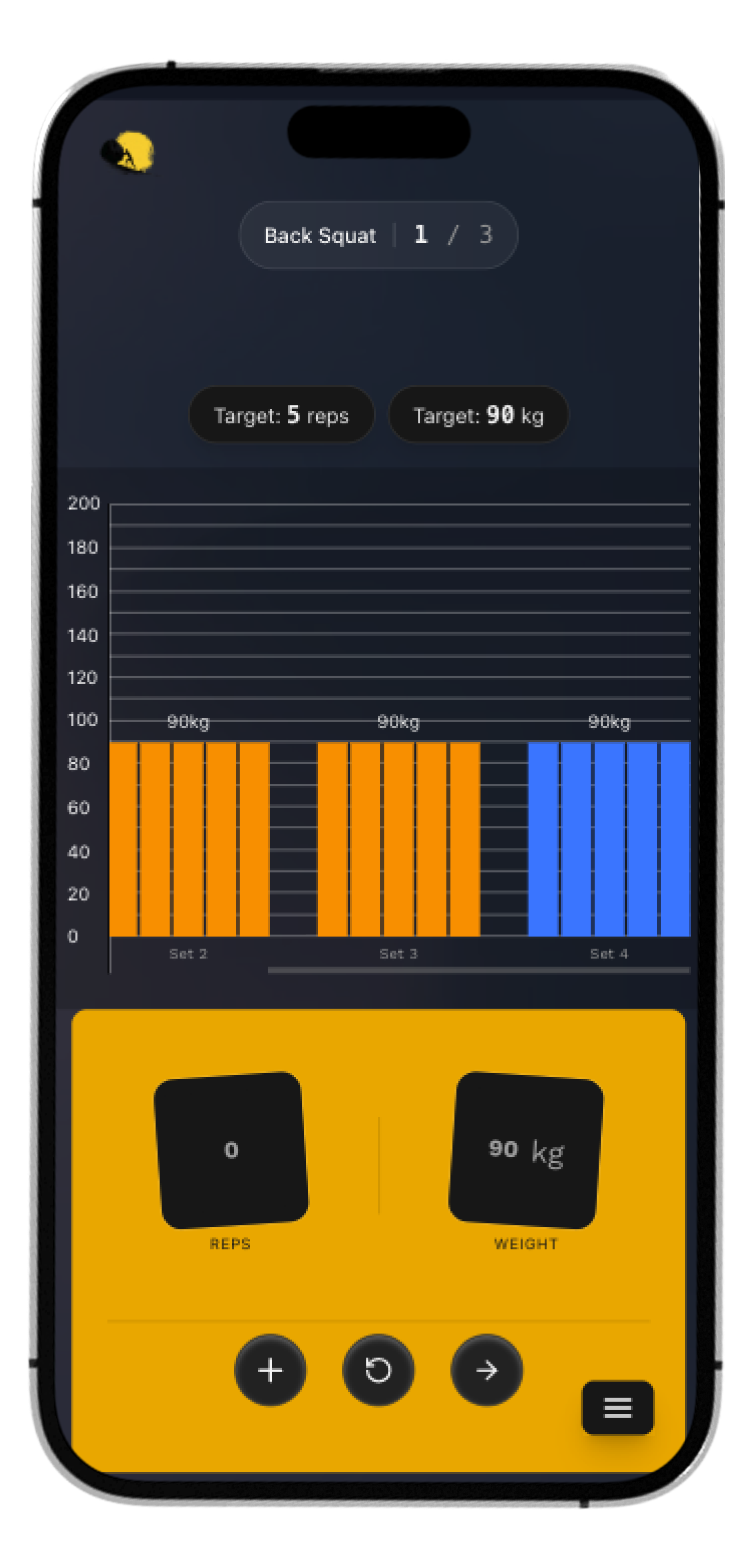
Work Sans for headings — clean, geometric, easy to scan across the room. Fira Code for numbers — reps, weights, volume. Monospace digits align vertically, making it effortless to compare values at a glance. This isn't decoration; it's functional.
Amber Accent
A single accent color handles all interactive cues — active states, progress indicators, call-to-action buttons. One color means zero ambiguity about what's tappable and what's informational.
Technical Highlights
- → Offline-first architecture. The entire app runs as a PWA with Workbox service workers. All data lives in localStorage via Zustand's persistence middleware. No backend, no login, no loading spinners waiting on a network.
- → State architecture. A single Zustand store composed of six domain slices — muscles, exercises, workouts, sessions, settings, and UI. Each slice owns its data and actions. The persistence layer serializes dates to ISO strings on write and rehydrates them on read.
- → Session recovery. If the app closes mid-workout — phone dies, browser crashes — the active session persists. Reopen the app, tap "Continue Session," pick up exactly where you left off.